1
Set up sites & forms
Create site records, configure access rules, and define which arrival forms and compliance requirements apply before anyone steps on site.
HammerTime is built around the way NZ construction teams actually run projects: configure your sites and compliance rules, bring people on board, connect subcontractors and publish your site-specific safety plan, then go live with verified check-ins and monitor what needs attention from one H&S dashboard.
HammerTime keeps site entry simple for workers, subcontractors, and guests. They scan the site QR code with their phone, complete any required arrival forms, confirm with biometrics where configured, and get on with the job — no paper folders at the gate.
Place the code at the gate, site office, or entry point so every arrival starts from the same check-in screen.
Workers finish pending arrival forms, toolbox talk sign-offs, or other site requirements from their own phone.
Biometric check-in (Face ID or fingerprint) confirms identity. Supervisors see who is on site for attendance, compliance, and roll call.
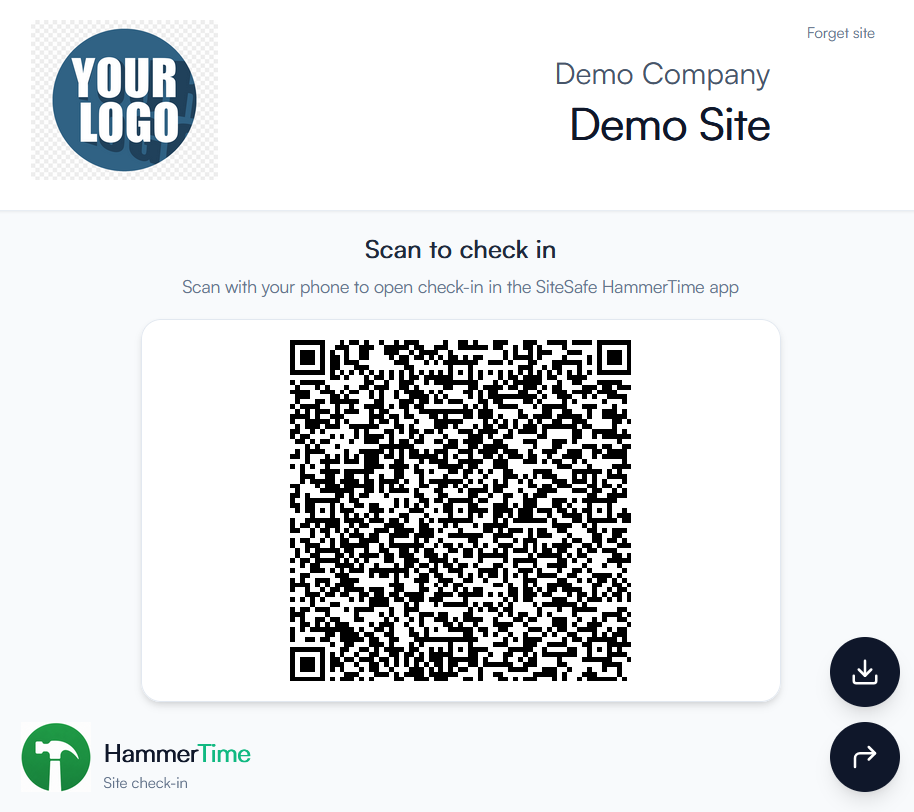
Scan with phone or click to try
Each stage builds on the last. By the time crews arrive, your sites, people, subcontractors, and safety plans are ready — and daily operations feed a dashboard you can actually act on.
Create site records, configure access rules, and define which arrival forms and compliance requirements apply before anyone steps on site.
Invite workers and supervisors to the app so they can complete profiles, upload licences, and finish compliance forms ahead of their first day.
Link subcontractor companies, track their compliance status, and publish your site-specific safety plan (SSSP) with acknowledgements.
Crews check in with QR access and biometric confirmation. GPS is captured at clock and compliance moments — not as continuous tracking.
Review your H&S dashboard, work through needs-attention items, and keep payroll-ready time records alongside compliance evidence.
This workflow suits head contractors and project teams that want site access, arrival forms, subcontractor compliance, safety plans, and workforce visibility in one place — instead of chasing paper sign-in sheets, separate timesheet apps, and spreadsheet subcontractor lists.
Set up your first site, invite your crew, and see how setup, onboarding, check-in, and monitoring work together for your projects.